
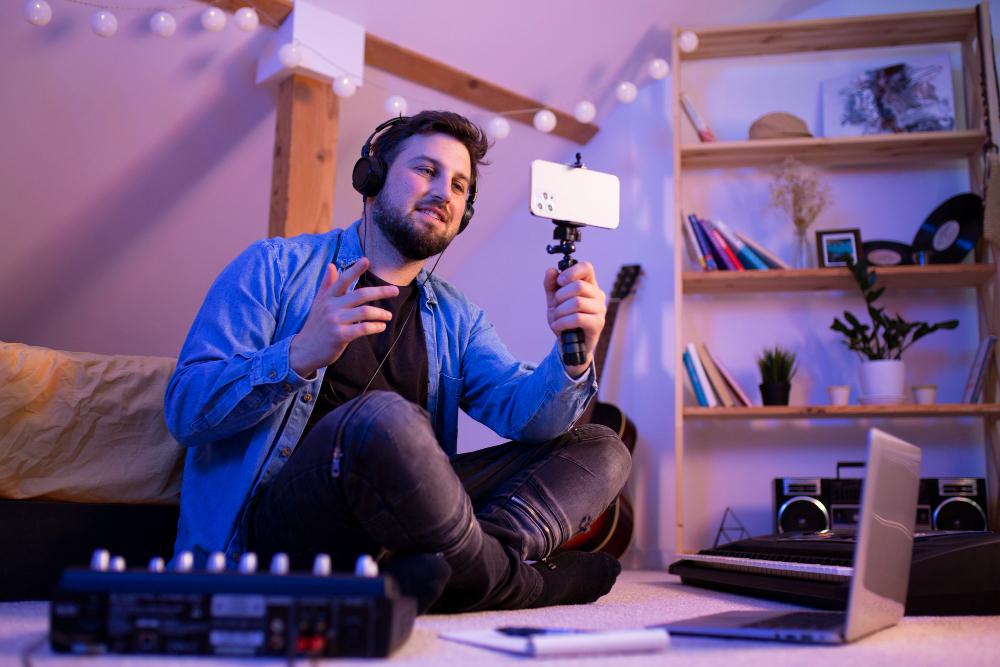
Creating gaming content for YouTube has become one of the most popular ways for gamers to share their passion, skills, and creativity with a global audience. With millions of gaming videos uploaded daily, standing out requires more than just great gameplay; it demands polished and engaging video editing. Effective editing not only enhances the viewing experience but also helps you attract subscribers, boost watch time, and grow your gaming channel faster.
Whether you’re a beginner or looking to improve your existing content, understanding how to edit gaming videos is key to YouTube success. From enhancing visuals and audio to using the latest AI video apps, every editing decision impacts how your content is perceived. In this blog, we’ll explore seven essential tips that will help you create eye-catching gaming videos that keep viewers hooked and encourage them to come back for more.
Understand Your Audience and Content Style
Before you start editing your gaming videos, it’s essential to understand your audience and the type of content they enjoy. Are you targeting casual gamers, hardcore enthusiasts, or fans of specific titles? Different audiences have different expectations; some prefer fast-paced highlight reels, while others enjoy in-depth tutorials or funny gameplay moments. Knowing who you’re creating for helps you choose the right editing style, pacing, and tone to keep your viewers engaged and coming back for more.
Your content style plays a big role in shaping your YouTube channel’s identity. Decide whether you want to create Let’s Plays, walkthroughs, reaction videos, or comedic edits. Once you define your content niche, you can maintain consistency in editing choices like transitions, overlays, music, and commentary. Tailoring your videos to match both your personality and audience preferences ensures stronger viewer retention, higher engagement, and better chances of growing your gaming community online.
Plan Before You Record
One of the most overlooked steps in creating gaming videos is proper planning before you start recording. Having a clear idea of what you want to showcase whether it’s a full gameplay walkthrough, funny moments, or game tips will make the editing process much smoother. Pre-planning helps you stay focused, capture the right footage, and avoid unnecessary mistakes that can waste time during editing.
Create a basic outline or script of key moments you want to include in the video. Think about where you’ll add commentary, highlight special gameplay actions, or insert humorous clips. Planning also involves organizing your files, recording high-quality audio, and ensuring your gaming setup is optimized. With a solid plan in place, you’ll save hours in post-production and create a more polished, professional-looking gaming video for your YouTube audience.
Enhance Visuals and Sound Quality Using Online Video Editor
To create professional-looking gaming videos, it’s essential to enhance both visuals and sound quality. Using an online video editor like invideo AI can help you adjust colors, brightness, and audio levels to make your content stand out. Clear visuals and crisp sound keep viewers engaged and improve the overall quality of your YouTube channel without the need for costly software.
One of the key steps is to trim and cut unnecessary parts of your footage. Long, uninteresting segments or mistakes can lose viewer attention. With tools like invideo AI, you can easily remove unwanted sections, add smooth transitions, and incorporate text or effects to highlight key moments. A good free video editor not only saves time but also helps maintain audience engagement by keeping your content sharp, polished, and viewer-friendly.
Add Engaging Effects, Captions, and Music
Adding engaging effects, captions, and music is a powerful way to make your gaming videos more entertaining and dynamic. Visual effects like zoom-ins, slow motion, and on-screen reactions can highlight exciting gameplay moments or funny scenes. These elements help keep viewers visually stimulated and enhance the storytelling of your video.
Captions are equally important, especially for viewers watching without sound. They make your content more accessible and easier to follow. Complementing your video with background music or sound effects adds energy and emotion. Just be sure to use royalty-free music to avoid copyright issues. Thoughtfully combining these elements helps maintain viewer attention and encourages more likes, shares, and subscribers.
Leverage AI Video Apps for Quick Edits and Social Media Clips
AI video apps have become valuable tools for creators looking to save time and streamline the editing process. These apps use artificial intelligence to automatically detect highlights, remove unwanted sections, and even generate captions. By leveraging AI technology, you can quickly produce polished gaming videos without spending hours on manual edits, making it easier to maintain a consistent posting schedule.
AI video apps also help in creating short, engaging clips for social media platforms like YouTube Shorts, Instagram Reels, and TikTok. These platforms favor quick, attention-grabbing content that showcases the best moments of your gameplay. With AI, you can effortlessly repurpose longer videos into social-friendly formats, expand your reach, and attract new audiences beyond YouTube. Using AI tools ensures your content stays relevant, efficient, and engaging across multiple channels.
Optimize Video Length, Thumbnails, and Titles for YouTube SEO
Optimizing your video length, thumbnails, and titles is crucial for YouTube success. Aim for a video length that matches your content type gaming highlights may work best under 10 minutes, while in-depth tutorials can be longer. Keeping the right balance helps maintain viewer interest and improves watch time, which is a key factor in YouTube’s algorithm.
Eye-catching thumbnails are essential for attracting clicks. Use clear images, bold text, and colors that stand out without misleading viewers. Alongside visuals, create SEO-friendly titles using keywords that describe your video accurately. This helps your content appear in search results and suggested videos, increasing your chances of gaining more views and subscribers. Thoughtful optimization strengthens your channel’s visibility and growth.
Conclusion
Editing gaming videos for YouTube is more than just cutting clips, it’s about creating engaging, high-quality content that captures and holds viewer attention. By using helpful tools like free video editors, AI apps, and thoughtful editing techniques, you can elevate your videos and grow your channel effectively. Apply these tips consistently, keep experimenting with new styles, and you’ll be well on your way to building a loyal audience in the ever-evolving world of gaming content.